Employee management
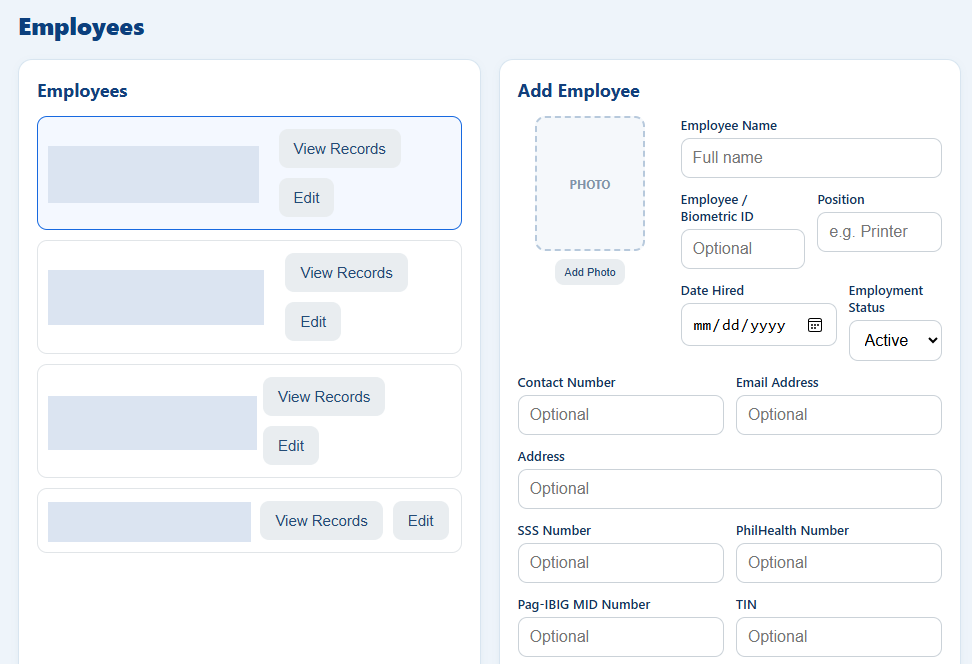
Keep employee details, photos, departments, employment status, hire dates and payroll records together. Store bank account details for payroll-file preparation.
Manual: Chapter 7 (PDF; manual page 13)
v4.0 · Website preview
Explore v4.0: employee records, daily and monthly pay, leave, incentives, payroll, final pay and bank-file preparation.
Chapter links open the relevant chapter as a separate PDF. Page numbers refer to the complete manual. Open the full manual.
Keep employee details, photos, departments, employment status, hire dates and payroll records together. Store bank account details for payroll-file preparation.
Manual: Chapter 7 (PDF; manual page 13)
Set up daily-paid and monthly-salaried employees, schedules, weekly rest days and dated wage reviews.
Manual: Chapter 7 (PDF; manual page 13) · Chapter 8 (PDF; manual page 24)
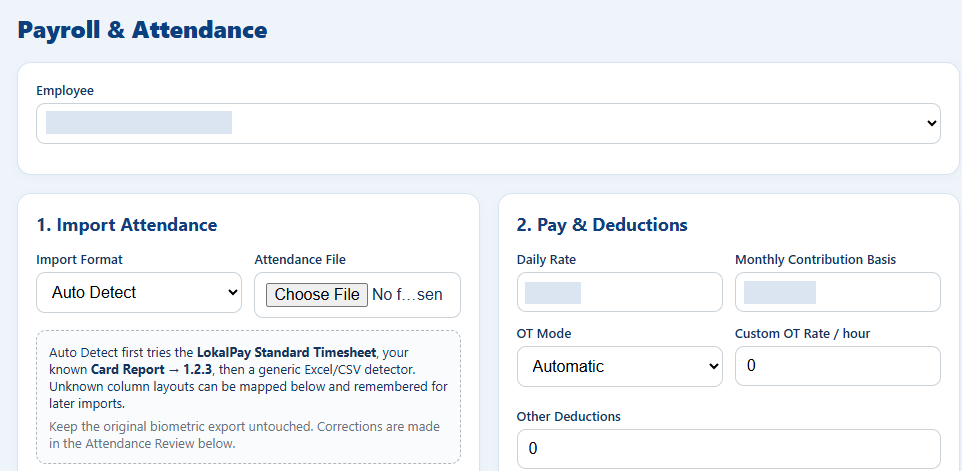
Import attendance files, match employees, map custom columns and save import layouts. Enter attendance manually when needed.
Manual: Chapter 9 (PDF; manual page 25) · Chapter 10 (PDF; manual page 26)
Review late arrivals, absences, grace periods and missing workdays before approving attendance for the exact employee and cutoff.
Manual: Chapter 11 (PDF; manual page 29) · Chapter 12 (PDF; manual page 31) · Chapter 13 (PDF; manual page 33)
Calculate basic pay, overtime, night differential, holiday and rest-day premiums, deductions and net pay from approved attendance. Explicit typed-hours mode is available for supported cases.
Manual: Chapter 12 (PDF; manual page 31) · Chapter 13 (PDF; manual page 33)
Set recurring allowances per payroll or per day worked, choose their tax treatment, and track scheduled loan or cash-advance deductions and balances.
Manual: Chapter 8 (PDF; manual page 24)
Add commissions, sales and attendance incentives, productivity incentives and performance bonuses for an individual cutoff. Record Christmas bonuses separately and review the applicable tax treatment.
Manual: Chapter 13 (PDF; manual page 33)
Enable SIL when applicable, mark paid leave, see available days and convert unused days to cash within the recorded balance. Eligibility needs employer review.
Manual: Chapter 12 (PDF; manual page 31)
Maintain dated minimum-wage tables and wage reviews. Review pay against the entered regional minimums and record supported exemptions.
Manual: Chapter 6 (PDF; manual page 10) · Chapter 7 (PDF; manual page 13)
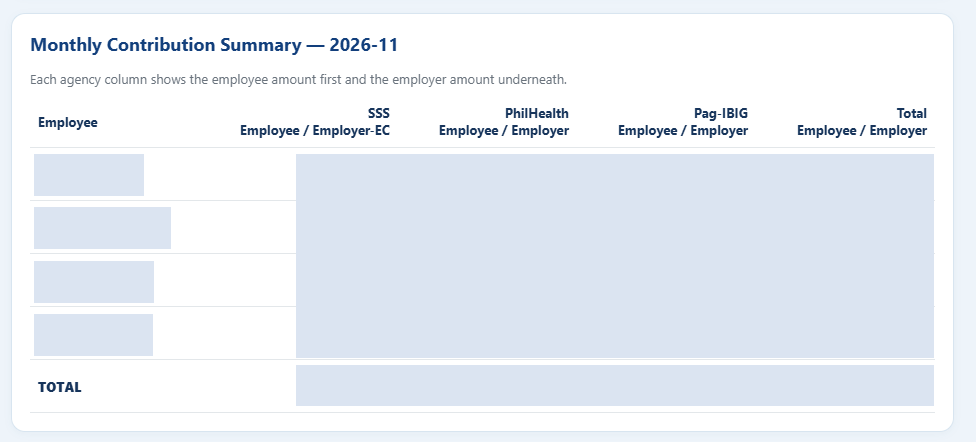
Calculate employee and employer SSS, PhilHealth and Pag-IBIG amounts, review semi-monthly reconciliation, and record remittance details after payment.
Manual: Chapter 15 (PDF; manual page 41) · Chapter 16 (PDF; manual page 43)
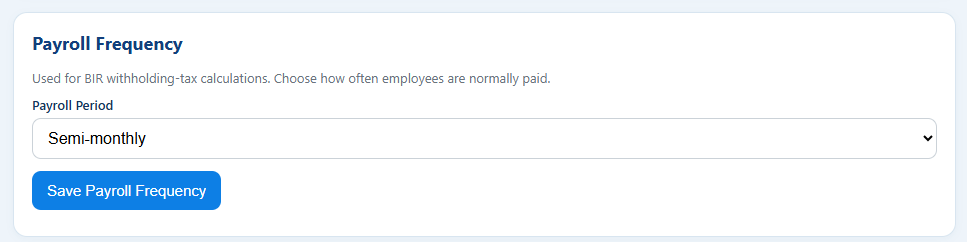
Prepare withholding calculations, 13th-month and qualifying-benefit treatment, annual reconciliation and records of tax collections or refunds.
Manual: Chapter 17 (PDF; manual page 44)
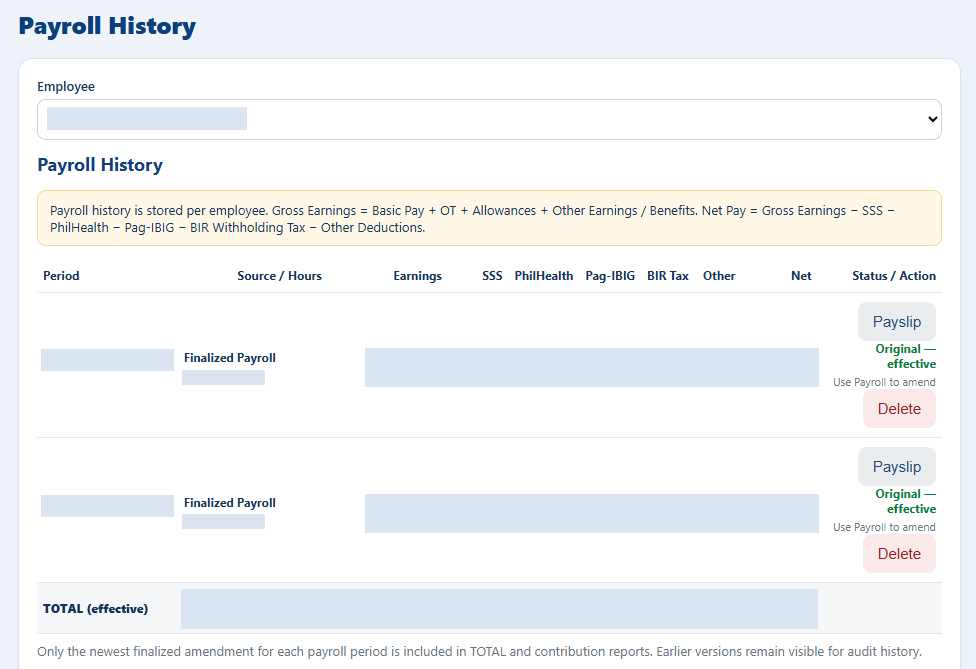
Calculate individual or approved batch payroll, save drafts, finalize records and preserve payroll history. Calculate All skips employees already finalized for the cutoff; overlapping finalized periods are blocked.
Manual: Chapter 13 (PDF; manual page 33) · Chapter 14 (PDF; manual page 39)
Generate and reprint payslips with earnings and deductions, save payslip PDFs and add a company logo.
Manual: Chapter 5 (PDF; manual page 8) · Chapter 19 (PDF; manual page 46) · Chapter 20 (PDF; manual page 50)
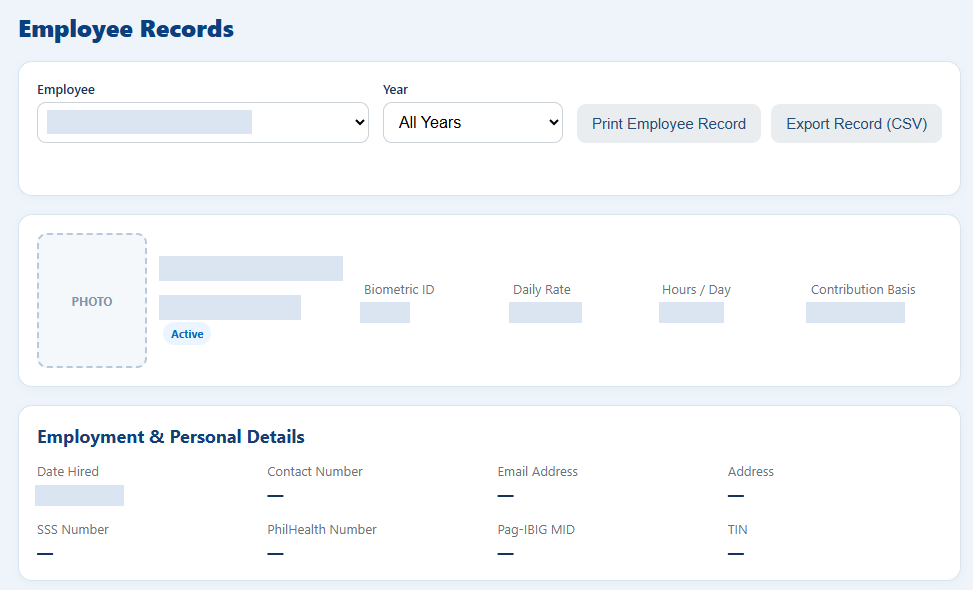
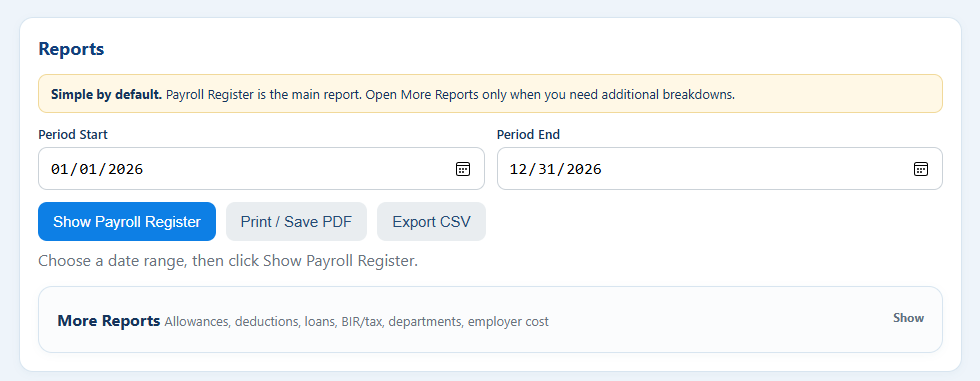
Prepare payroll registers, contribution and allowance summaries, employee records, and BIR 1601-C, 2316, 1604-C and alphalist preparation outputs for review.
Manual: Chapter 18 (PDF; manual page 45) · Chapter 19 (PDF; manual page 46) · Chapter 20 (PDF; manual page 50)
Prepare final pay for separated employees using finalized payroll, prorated 13th-month pay, applicable unused SIL, tax adjustments, loans and entered deductions. Separation pay is entered with its basis, not automatically determined.
Manual: Chapter 25 (PDF; manual page 57)
Configure a layout from your bank’s CSV, TXT or Excel template, validate cutoff totals and create a payroll upload file. Review excluded employees and account changes before export. Upload and authorize the payment in your bank.
Manual: Chapter 26 (PDF; manual page 60)
Use Back Up Payroll Data and its reminders, full backup and restore, automatic dated backups and recovery controls. Keep a separate backup copy for moving computers or recovering records.
Manual: Chapter 21 (PDF; manual page 51)
Start with a 14-day trial. Activate a machine-bound subscription, view renewal reminders and employee-plan usage, and receive new-version notices. Periodic internet checks are required for subscriptions.
Manual: Chapter 3 (PDF; manual page 5) · Chapter 22 (PDF; manual page 53)
Review attendance, wage changes and statutory classifications before finalization. The advanced MWE split is off by default pending reviewer approval. Reports support preparation; they do not submit returns. Bank files require upload and authorization through your bank.
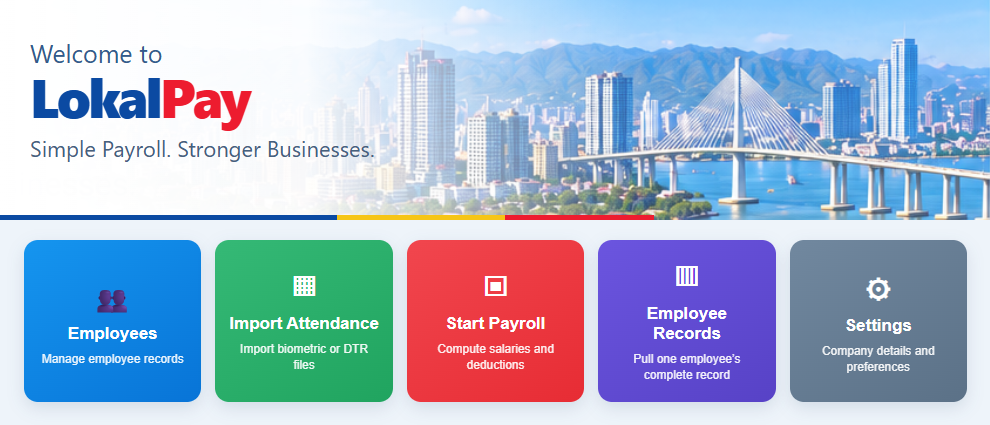
Application screenshots with test details masked where shown. These illustrate the supplied app screens; some newer v4.0 features are described above rather than pictured.